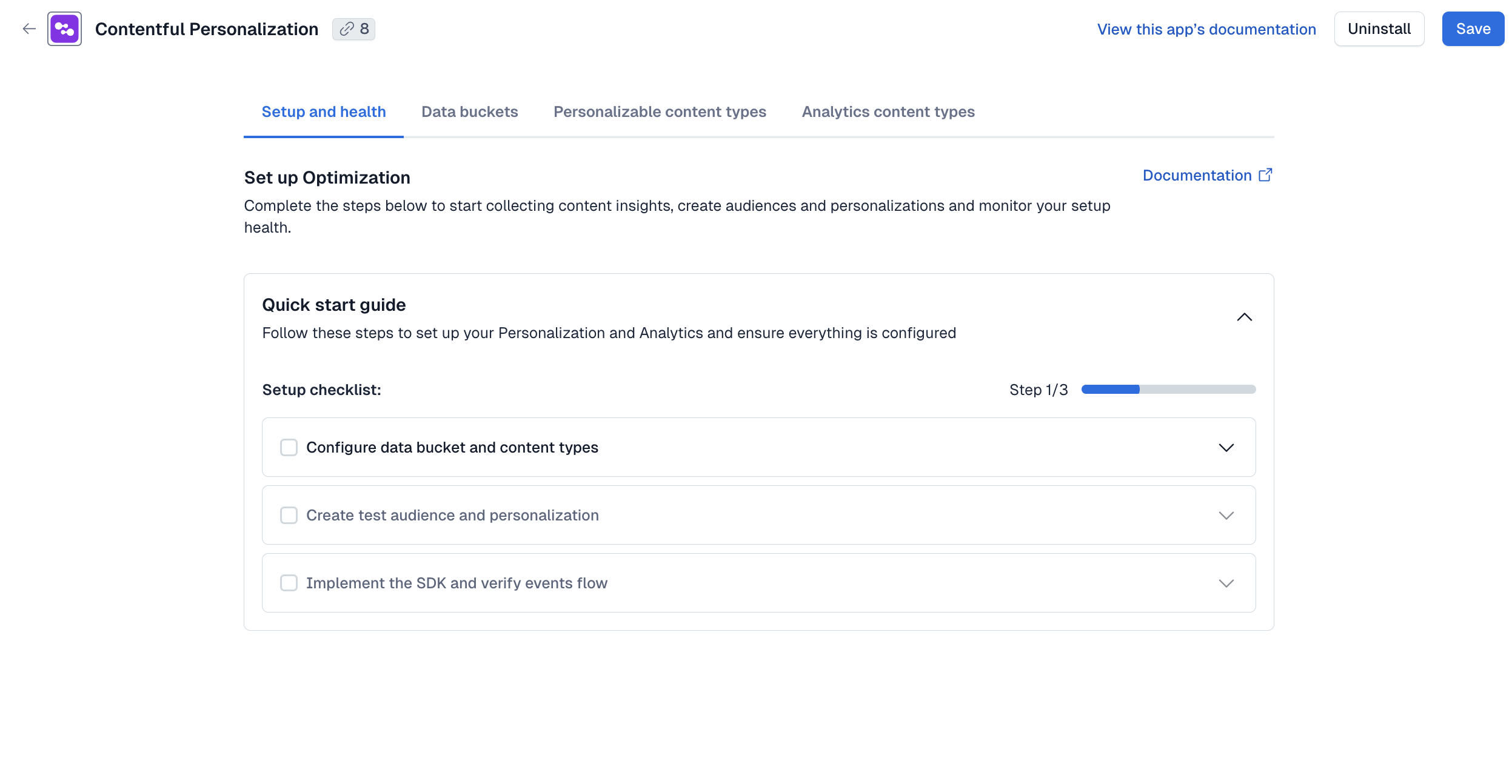
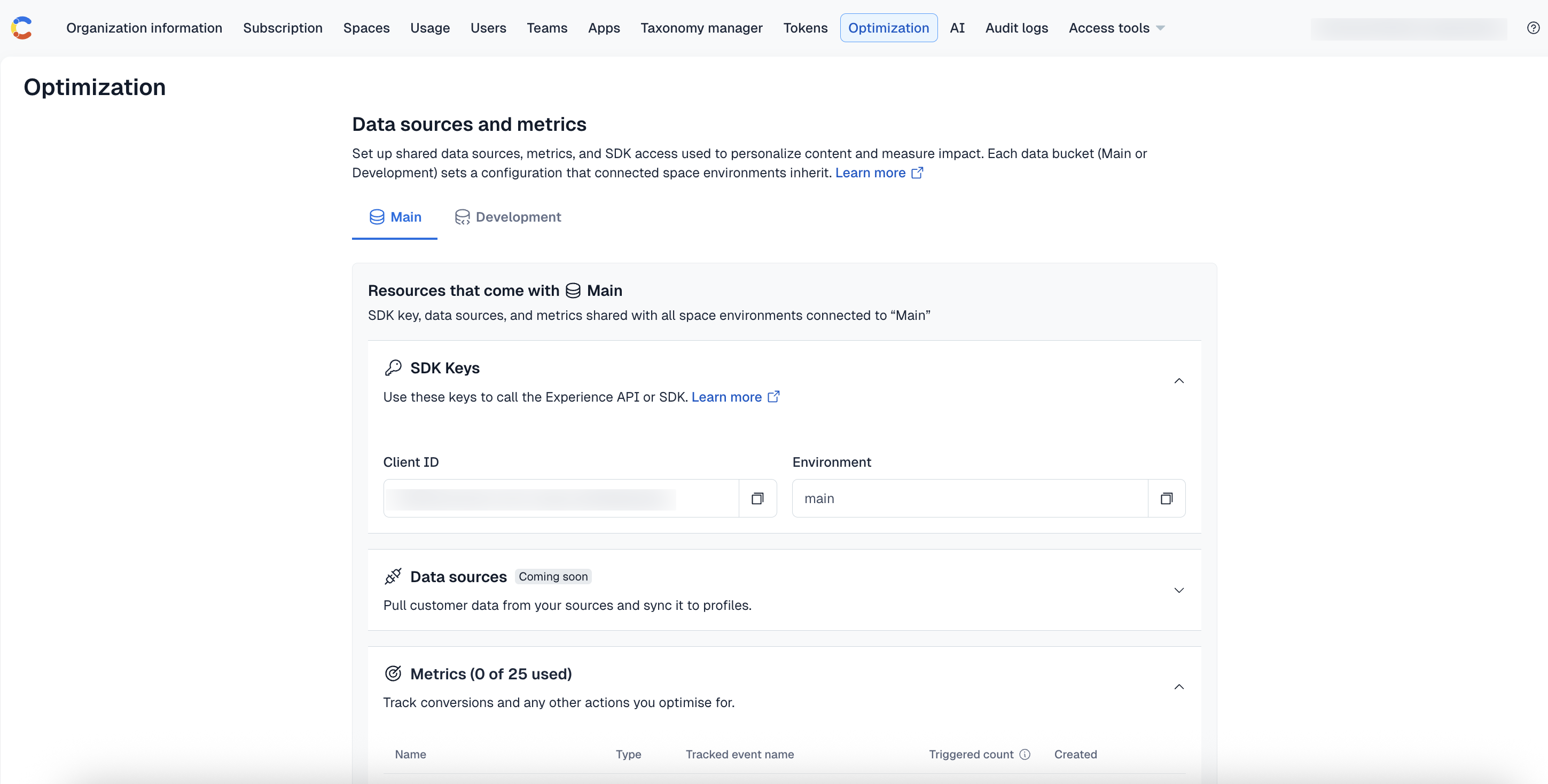
Native mobile platform support in the Optimization SDK
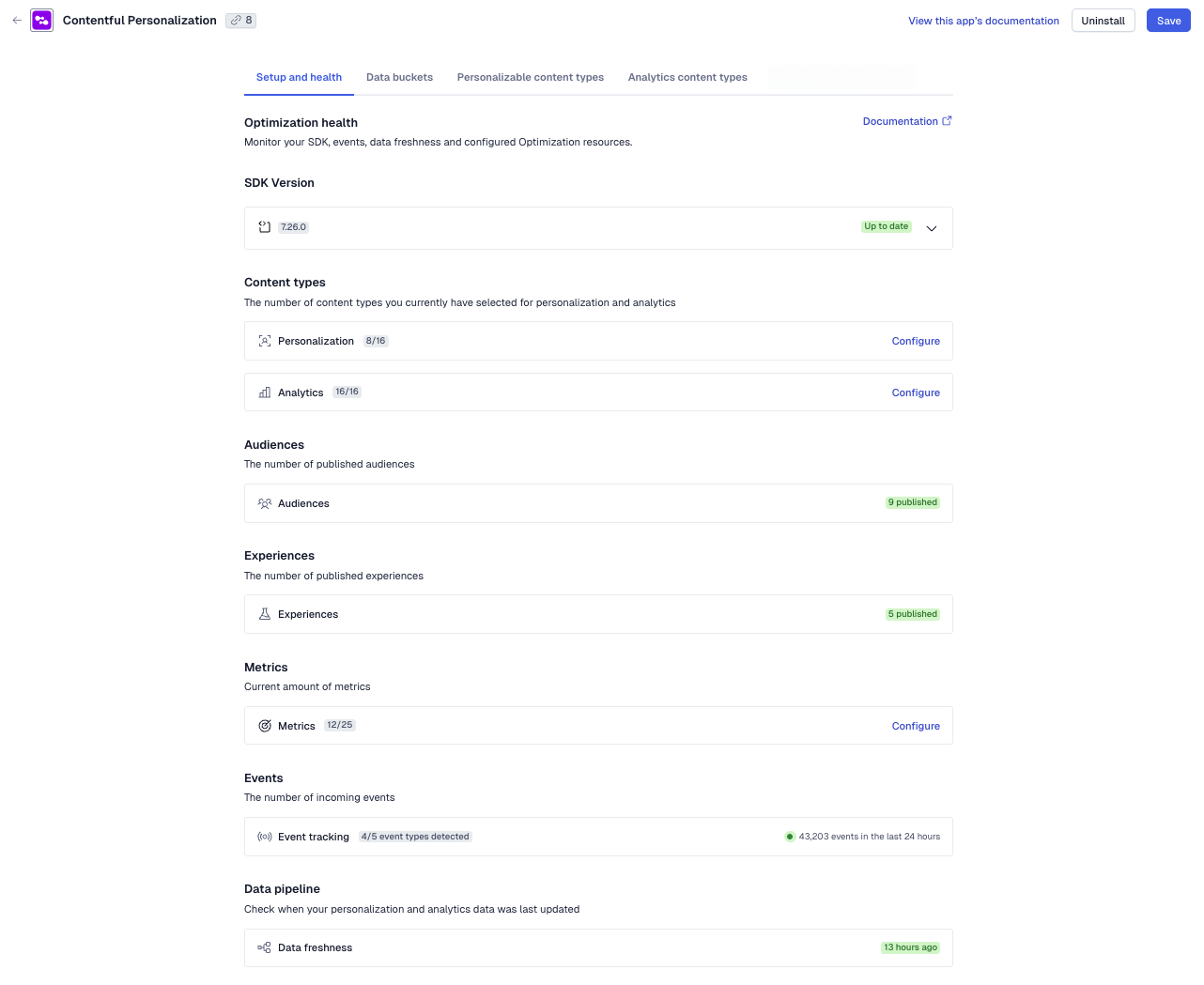
The Optimization SDK has been enhanced to fully support mobile SDKs, bringing personalization and analytics to native mobile platforms.
The release includes:
@contentful/optimization-react-native— React Native SDK with offline-aware event handling, screen tracking, and in-app preview panel.- Swift SDK — Native iOS SDK for personalization, screen tracking, and consent management.
- Kotlin SDK — Native Android SDK for variant resolution, screen tracking, and consent management.
With this improvement, you can now use the Optimization SDKs to deliver and measure personalized experiences across web, server, iOS, Android, and React Native using a consistent approach.
The SDKs help you:
- Bring personalization and analytics to your native mobile experiences.
- Use familiar patterns and APIs across web, server, and mobile.
- Track screens and measure engagement within your mobile apps.
- Manage user consent as part of your integration.
- Deliver consistent personalized experiences across multiple channels.
You can install the mobile SDKs using npm for React Native, Swift Package Manager for iOS, or Maven/Gradle for Android. For more information on how to get started, see the Optimization SDK documentation and GitHub repository.



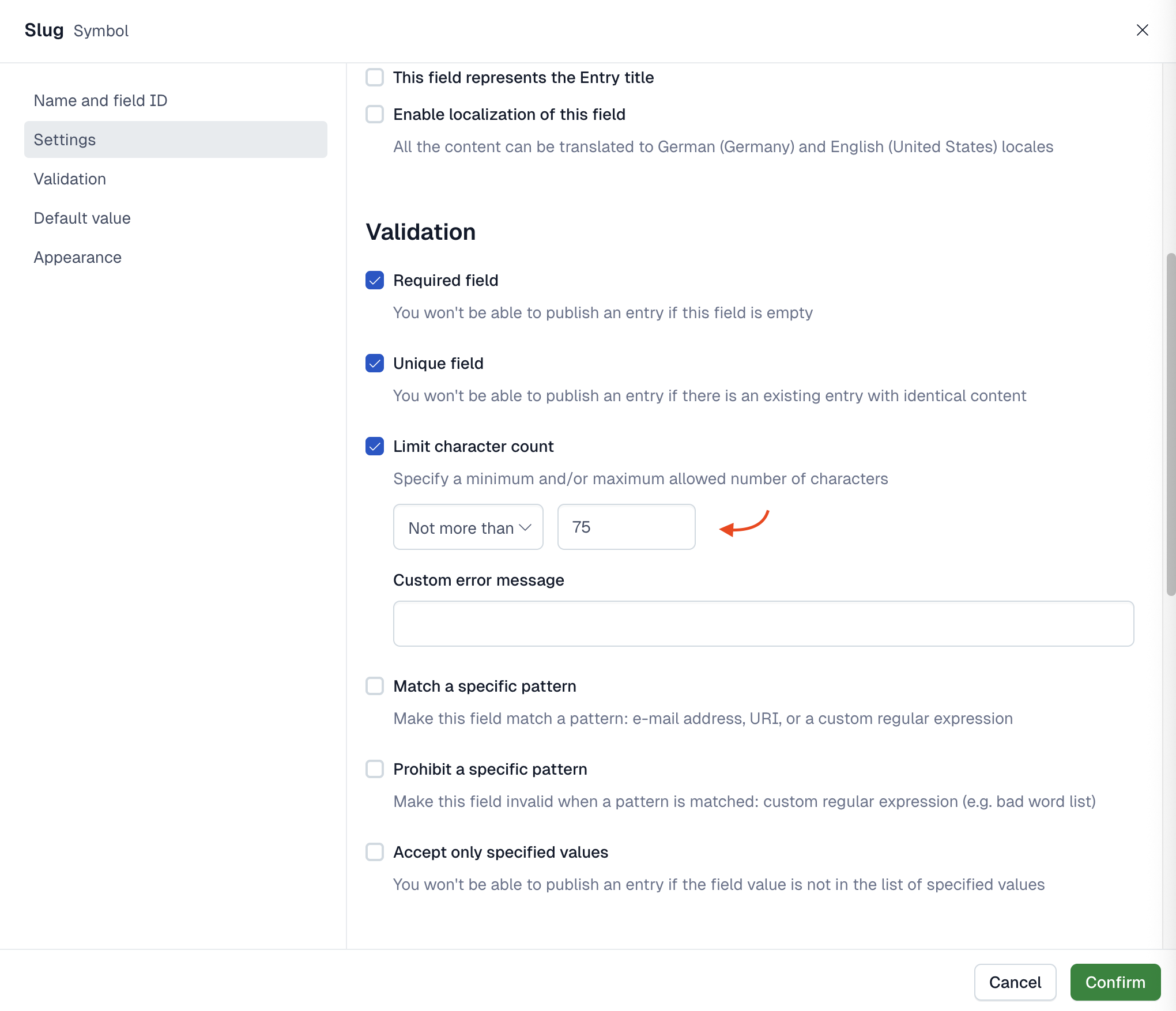

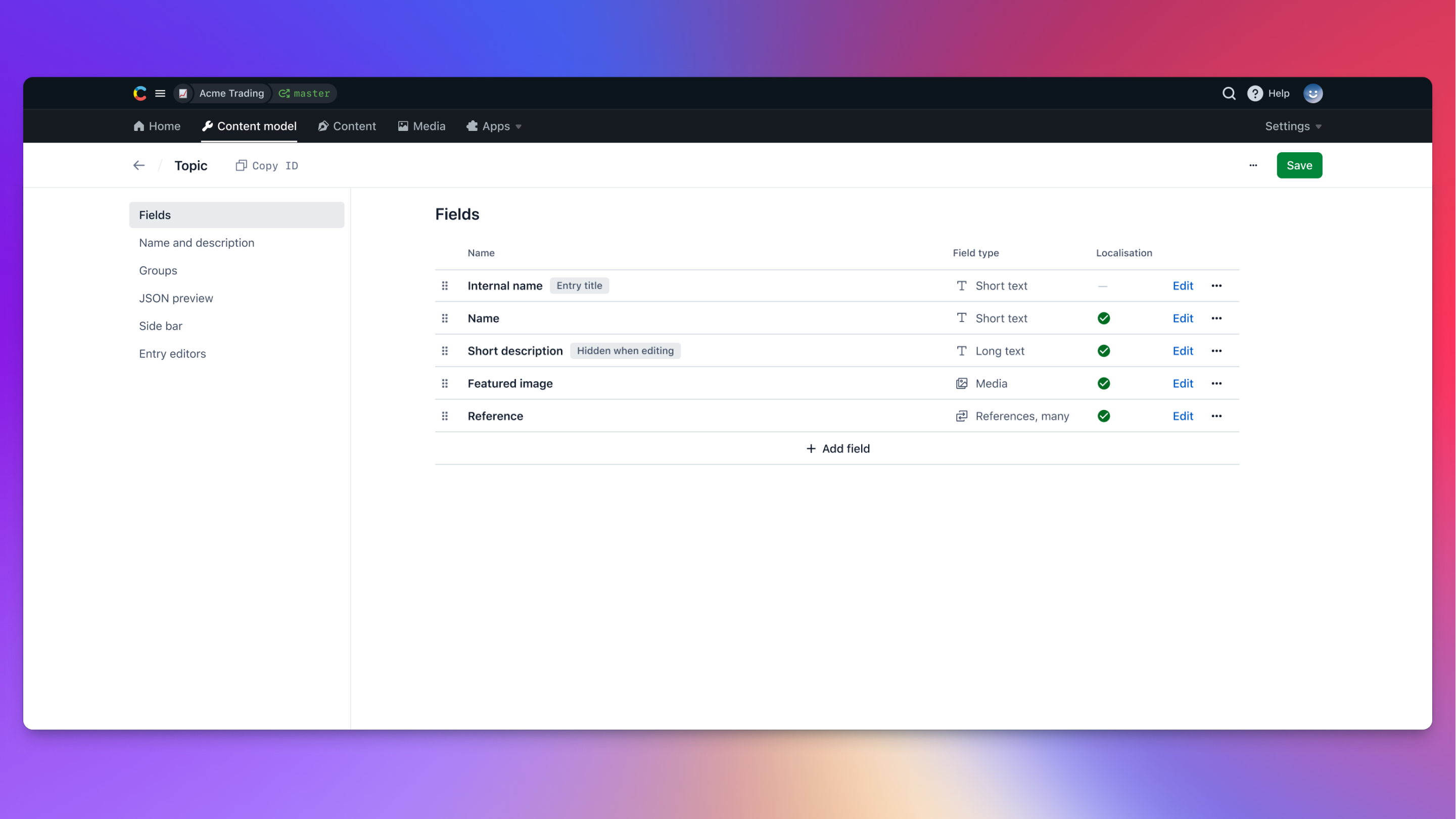
 To ensure consistency with existing setups, uniqueness validation is enabled by default when you select the Slug appearance. You can de-select the checkbox at any time. Before the improvement, the Unique field checkbox was not editable.




 .
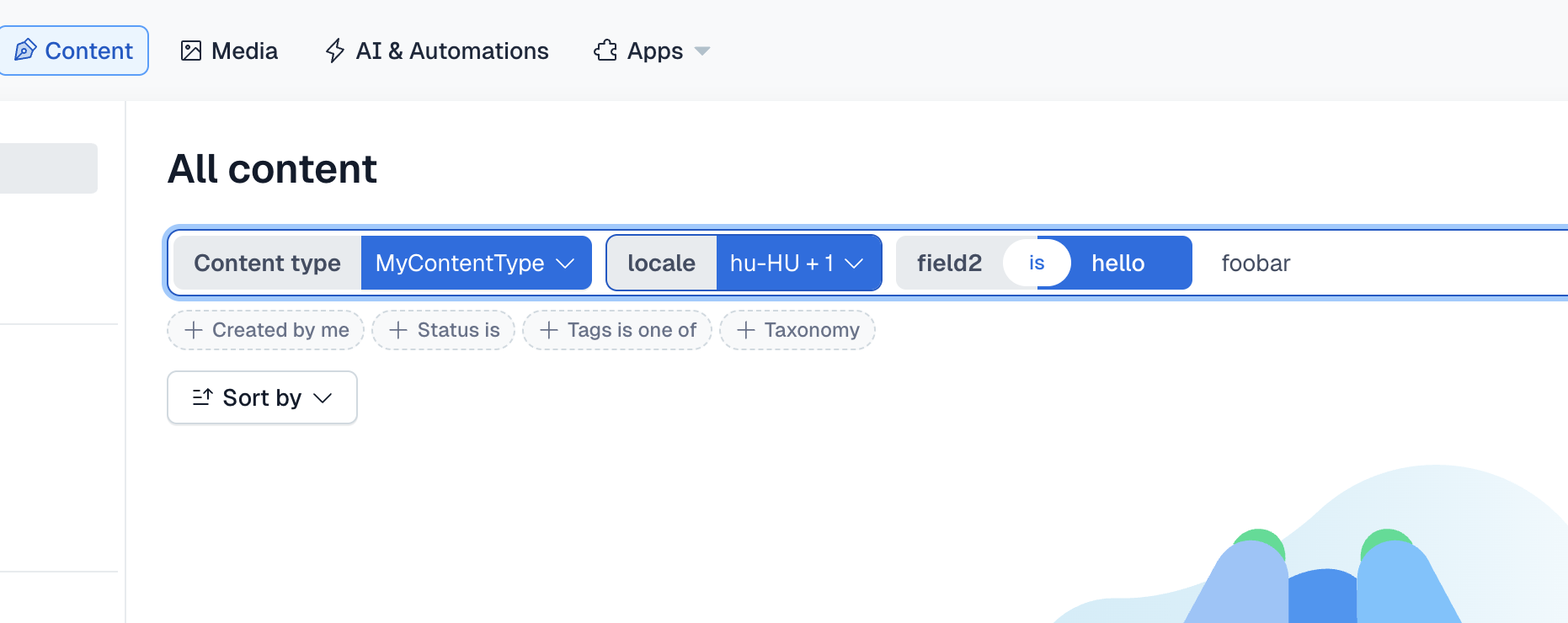
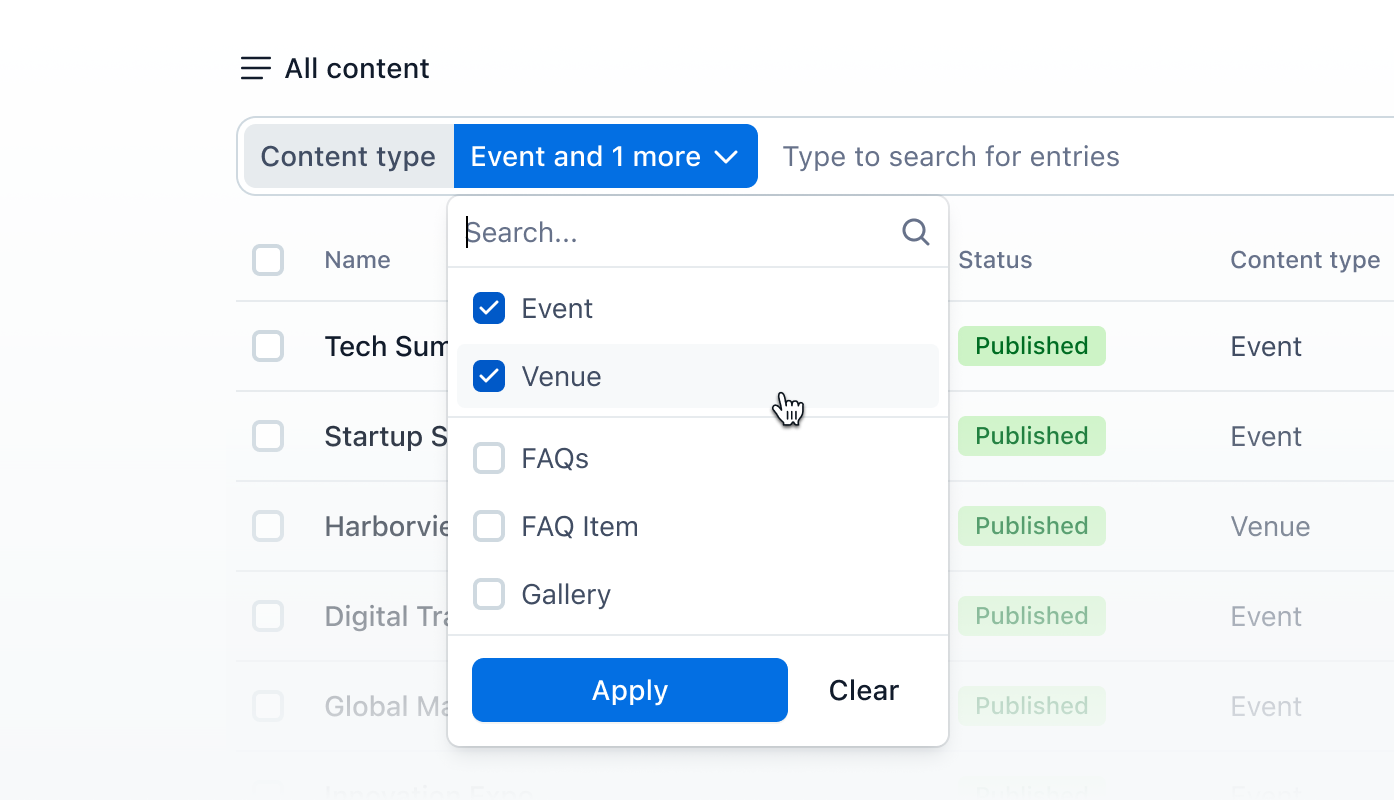
. For more information about the search functionality, see the








 Head over to your Account settings → CMA tokens page to test out this latest feature.
Check out developer docs
Head over to your Account settings → CMA tokens page to test out this latest feature.
Check out developer docs 


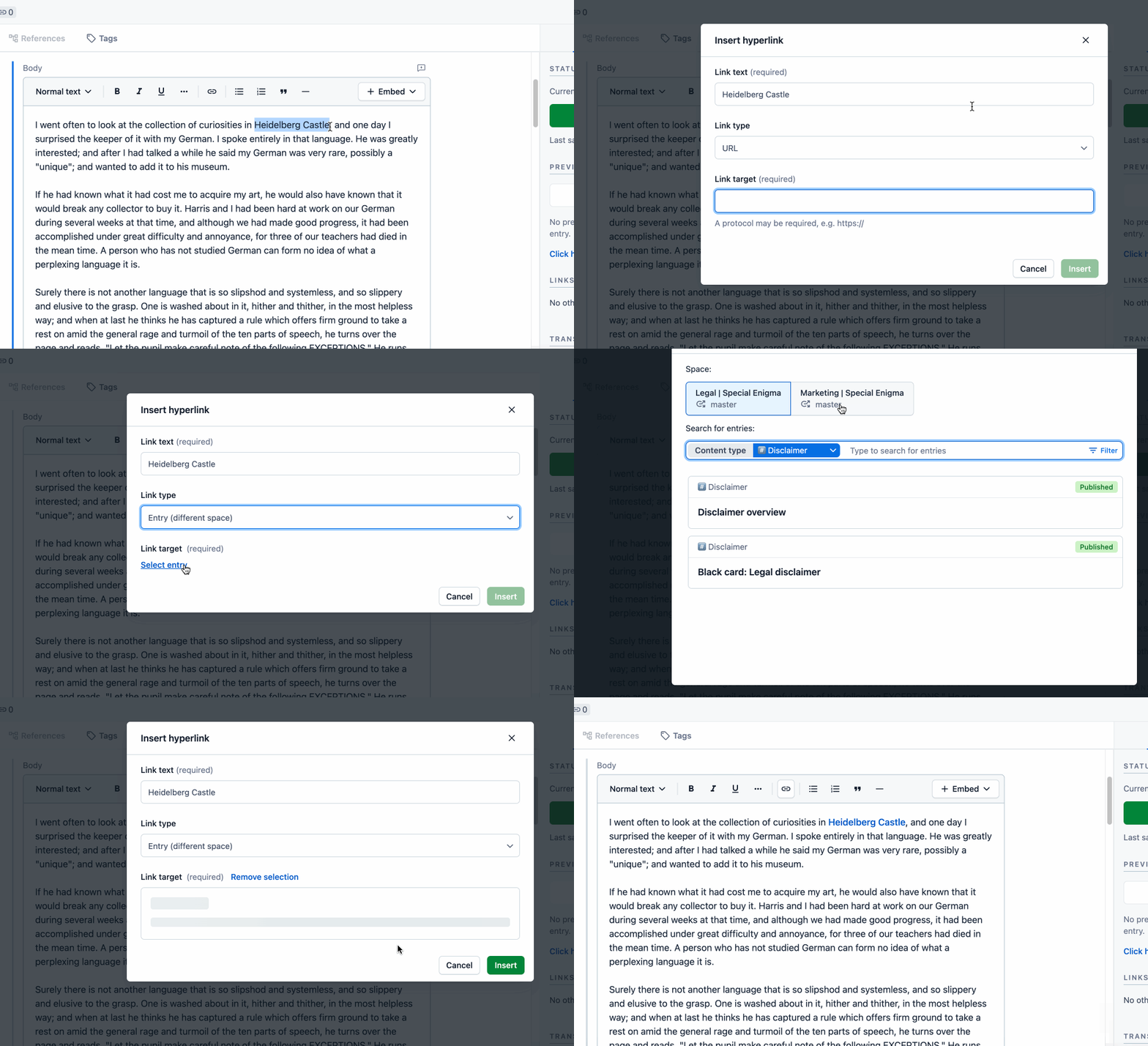
 The linked (referenced) entry is embedded from another space as a block element into the rich text, which allows you to reuse content and ensure consistency.
 For more information about the feature, see




 Read the






 Example of globe icon on calendar to indicate selected timezone